
Searching Cases by Name
Start with MiCOURT Case Search, the public entry point for an Alcona County case lookup. Enter a Last Name or Business first. The interface wants at least two characters, and it has no wildcard option. Too many matches? Add a first name, a middle name, or a four-digit birth year. That narrows the results. Note that Alcona's public display works from birth year alone. It does not use a full date of birth.
- Open the Name Search tab and enter the last name or business name.
- Add first name, middle name, or birth year only when needed to narrow a result.
- Apply a status, category, filed-date, or offense-date filter after the base search is valid.
- Select the matching Alcona case card and compare its court, case ID, and title with the notice.
- Open case detail for the public history, next hearing, charges, financial fields, or events that appear.
A blank name result is not the end of the story. Spelling differences, older records, name changes, and protected categories can all hide a match, and the case may sit in another court entirely. The empty screen proves only that nothing matched your terms, not that no Alcona court record exists.
| Field Label | Type | Required | Notes |
|---|---|---|---|
| Last Name or Business | Text | Yes | Minimum two characters; no wildcard. |
| First Name / Middle Name | Text | No | Optional narrowing fields. |
| Birth Year | Numeric text | No | Four digits; public results use a year rather than full DOB. |
| Case Status | Checkboxes | No | Open or Pending, Adjudicated or Disposed, and Closed. |
| Case Category | Checkboxes | No | Civil, Criminal/Traffic/Civil Infractions, or Probate. |
| Filed / Offense Date | Date range | No | Useful for narrowing an Alcona case by period. |
Alcona County Case Search Route
The public starting point for an Alcona County court docket lookup is the official MiCOURT Case Search surface.
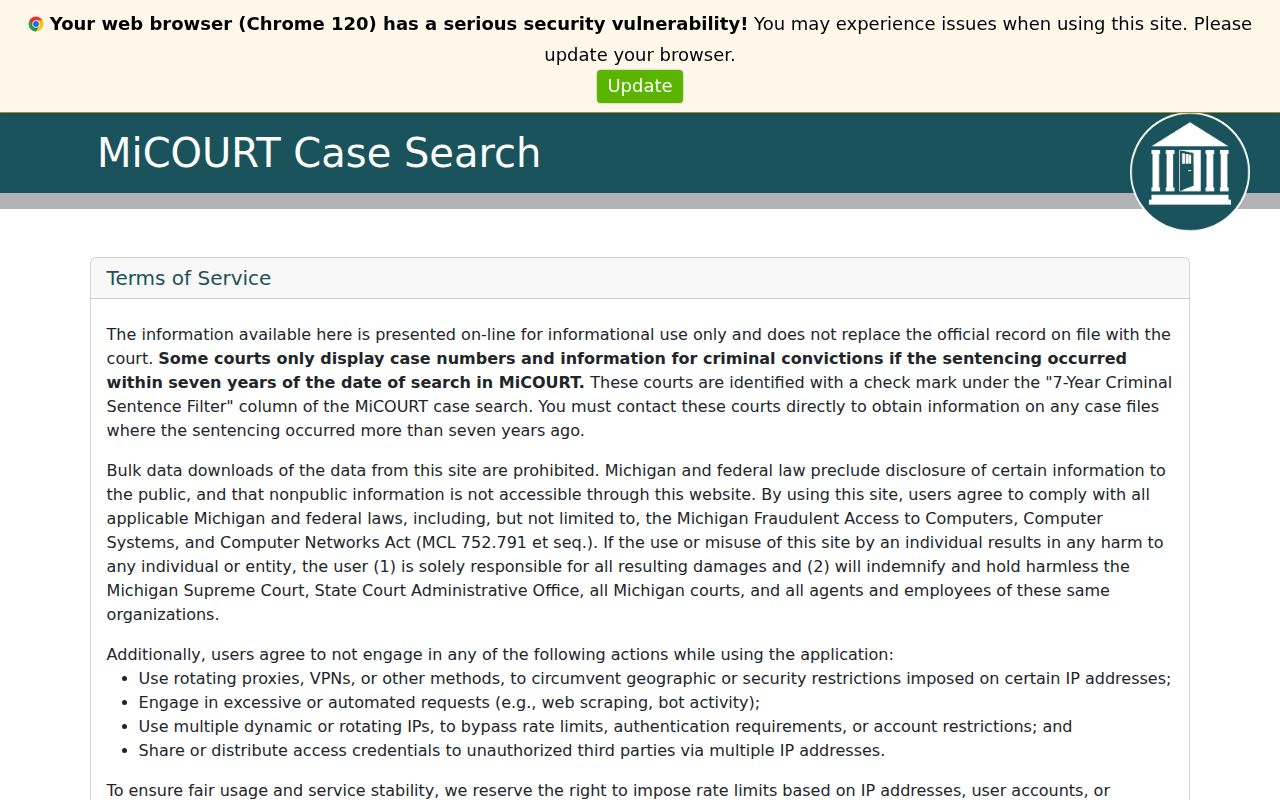
For Alcona traffic, ordinance, misdemeanor, preliminary-examination, small-claims, and limited-civil matters, the 81st District route is available through MiCOURT. Remember that MiCOURT is informational only. It bars bulk downloads too. If you need a filed document, a certified copy, a transcript, or a record the site does not display, note the court listed on the result and call that Alcona court's clerk.
Searching by Case Number
For an Alcona County case number search, copy the number exactly. Take it as it appears on a citation, notice, or order. In the ordinary Case Number Search, Number is the required field. Case Year and Type are optional refinements. MiCOURT's own examples use a year, a number, and a two-character type. One is the illustrative public format 2018 / 1818003SC / SC. That is an interface example. It is not a guarantee that every Alcona court follows the same pattern.
Another displayed form pairs a number like 000001073 with a type such as DL. Alcona district, circuit, probate, juvenile, and traffic cases can each carry different identifiers. Keep the number exact. Skip the added separators and guessed local codes. If the search fails, ask the responsible Alcona clerk. The clerk can say whether the record is older, nonpublic, transferred, or filed under a different court number.
Alcona County Case Search Number Checks
A case number is usually the sharpest search key in MiCOURT. Carry the year, number, and type over exactly. Use them as printed on the citation, notice, or order. Number goes first in the public interface. Case Year and Type can then trim the results. One caution: a number copied from a payment screen or a city notice may not match the court case ID. So check the Court field before calling it a match.
When an exact number returns nothing, resist the urge to add guessed punctuation. Do not borrow a code from another court either. If you know the name, try the printed number there instead. Then call the clerk for the court named on the notice. A clerk can tell you whether Alcona County holds the case under an older number, a transfer, a bindover record, or a public-access limit.
Alcona County Case Card and Detail
Think of an Alcona search card as the result summary. It may list Case ID, Case Title, Filed Date, Case Status, Balance, Court, and Next Hearing. Open the detail view for more. There you can read court location, case entitlement, Judge of Record, disposition, closed date, event history, charges, participants, and public financial information. The card helps you spot a likely match. The detail lets you read the full public Alcona case history.
On criminal results, the detail can add the count, offense date, current and original charge, charge level, arraignment information, and bond or receipt fields. These appear where populated. An empty field proves little. The court's file may still hold that information. The public display may simply be unpopulated or withheld.
What a Case Search Returns
Michigan labels the chronological record a case history or register of actions. Alcona court users just call it a docket. Either way, it logs filings, issuances, returns, and other case activity in time order. What you see publicly is only what display rules permit. Read the result alongside its court location and case number for the full picture.
| Case ID | The court-assigned identifier used to locate the Alcona case. |
|---|---|
| Case Title | The public case entitlement or caption naming parties where allowed. |
| Court | The court location that directs a reader to the correct Alcona clerk. |
| Filed Date | The public filing date shown for the case. |
| Status | Open, pending, disposed, or closed information, which is distinct from balance or a future hearing. |
| Next Hearing | The displayed future setting with date, time, type, and other public details when populated. |
Alcona case status, disposition, closed date, and balance each answer a different question. A disposed matter can still carry a balance due. And a closed date never erases the older events in the case history.
Alcona County Case Search Result Pages
MiCOURT shows public results 25 records at a time. There is no public bulk-export control. A common surname in Alcona County can easily fill several result pages. Begin with the smallest narrowing detail that still gets you matches. Then check the court, case ID, title, filed date, and status. Do that before trusting any single record. The first row with a familiar name is not always the right Alcona County case.
The search terms also bar bulk downloads. When a record has to be verified, save the public case ID. Then call the clerk who holds the file. The case card helps you spot the matter. The clerk can supply a full case history, pull an image, certify a copy, or track down a result missing from the public index.
Alcona County Case Status Filters
Status filters can trim a broad Alcona docket search. But run a valid name or number search first. MiCOURT offers Open or Pending, Adjudicated or Disposed, and Closed. Its categories cover Civil, Criminal/Traffic/Civil Infractions, and Probate, and Civil includes domestic and family matters. Alcona juvenile material sits in the code yet stays hidden from the public control.
Start with the loosest filters you can. A tight date range or the wrong category can bury the correct Alcona case. Say the matter began as a felony preliminary examination in district court and was later bound over. The circuit record then carries the later proceedings. The Court field and case ID are your best clues. They tell you which Alcona clerk to call.
Statewide vs County Case Search
Alcona County runs no local public search form of its own. That goes for circuit and probate court records. MiCOURT serves as the statewide public lookup layer. For anything deeper, the local court clerk is the county-level route for clarification, inspection, copies, and records that are not indexed or cannot be shown publicly. MiFILE, meanwhile, is an electronic filing login service rather than a public case-history viewer.
| MiCOURT statewide layer | Alcona court clerk |
|---|---|
| Public name and case-number search across participating court information. | Custodian contact for the specific circuit, district, probate, or juvenile file. |
| Shows public result cards and permitted case-detail fields. | Handles inspection, court-directed copy requests, certification, and answers about unavailable public results. |
| Best for locating a court, case ID, public history, or next hearing. | Best for an older, excluded, restricted, transferred, or document-specific Alcona request. |
For 23rd Circuit records, call the Circuit/County Clerk at 989-724-9410. The 81st District Court is 989-724-9500, and the Probate/Juvenile Register is 989-724-9490. At the counter, ask whether public inspection or a paper file is available, since no published Alcona page promises a public terminal.
Alcona County Case Search Security
MiCOURT runs hCaptcha in its production setup. A challenge or a blocked request is a security response. It does not prove your Alcona search wrong. Clear the form, check the spelling and required fields, and retry. Only then assume the case is out of reach.
Public results come 25 records per page, with no public bulk-export control. That cap rewards a precise Alcona case number search. It beats stacking filters onto a common name. Keep the original notice close at hand. Comparing the case title, court, date, and number against it guards against a false match.
Alcona County Case Filing Systems
The Eastern District of Michigan CM/ECF landing page shows a federal electronic filing service. It is not Alcona's public state-court case search. Treat it as a separate federal system.
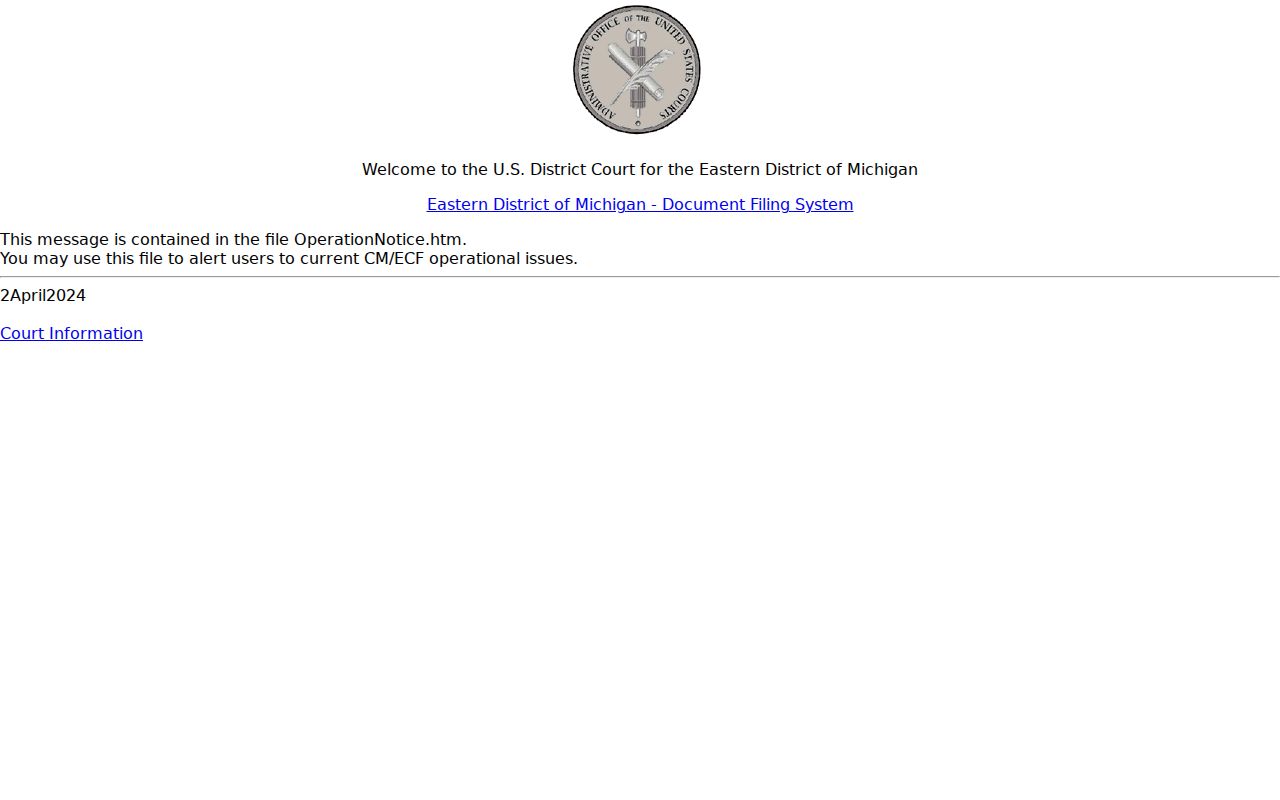
Alcona state-court case information is read through MiCOURT. MiFILE and the other login-based systems are filing tools for attorneys and parties. The difference matters when you need a public case history. A filing account will not get you one.
The PACER pricing and fee conditions page is another official federal record source. Still, it does not replace an Alcona court search.
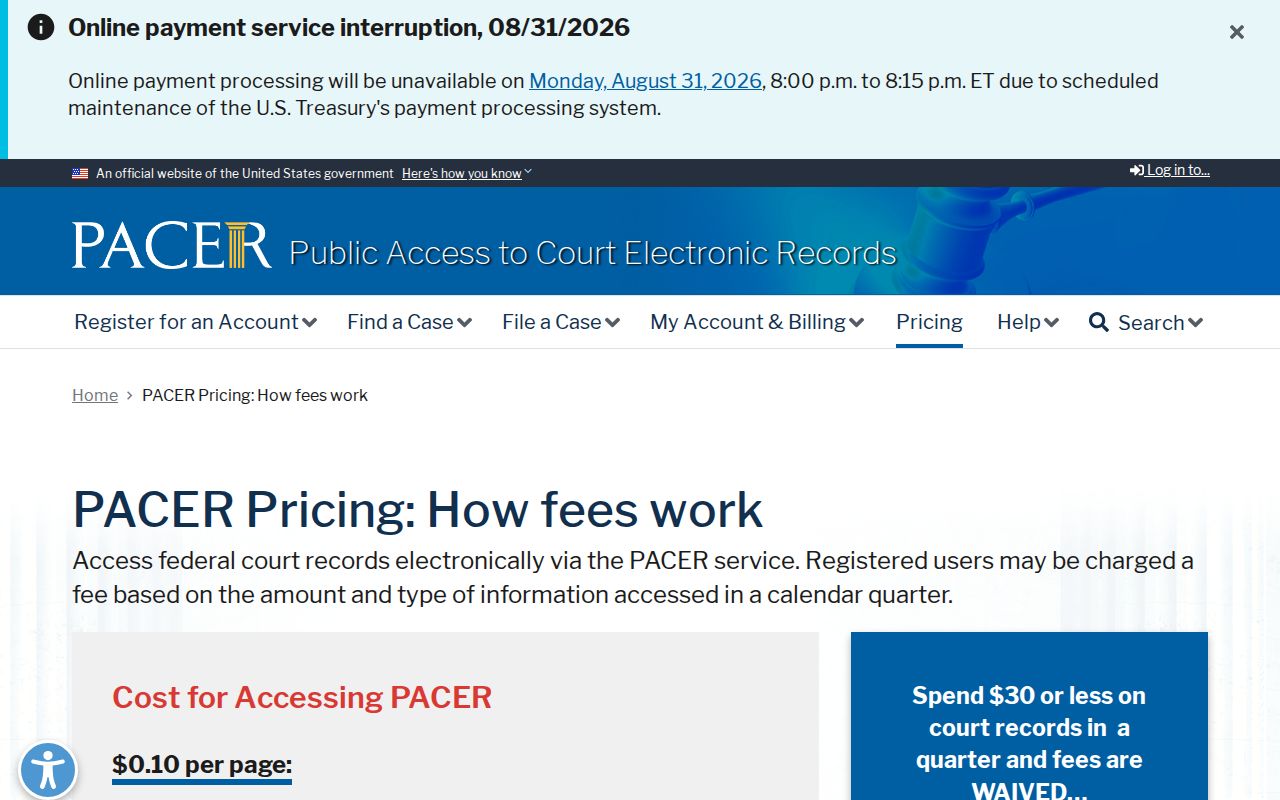
Federal docket access and Michigan state-court access run on separate systems. The court named on the Alcona notice should decide your first search route.
Access and Restricted Cases
MiCOURT keeps certain matters out of public search. The list covers adoption, juvenile and child-protective proceedings, mental-illness cases, name changes, personal protection orders, wills, and other listed protected categories. Public users may see a birth year. Full dates of birth and protected identifiers stay hidden. The SCAO PPII access memo spells out the line. It separates authorized internal access from the masked information public users get. A missing Alcona result can reflect an access rule. It may not mean an absence of court activity.
For a restricted, sealed, or unindexed file, contact the originating clerk. County FOIA is not a workaround. Michigan Court Rule 8.119 makes public case records accessible unless restricted. Yet the county FOIA process does not replace the court-record process for files the clerk keeps solely in the Circuit Clerk role. The County Building at 106 5th Street in Harrisville is the in-person route. Circuit correspondence may go to P.O. Box 308, Harrisville, MI 48740 once the clerk confirms the request method.
Note: A court result helps with orientation. A certified copy or a filed document belongs with the responsible court clerk. So does a nonpublic-access question.
Alcona County Case Search Clerk Fallback
Let the court named in your search result point you to the right office. The 81st District Court keeps the criminal docket. That covers traffic, ordinance, misdemeanor, and preliminary-examination cases, plus small claims and limited civil matters. The 23rd Circuit file sits with the County/Circuit Clerk. Probate and juvenile cases run through the Probate/Juvenile Register instead. If your Alcona County case search comes back empty, treat that as a prompt to call the office that controls the docket. That is not proof that no case exists.
Planning a trip to the courthouse? The County Building stands at 106 5th Street in Harrisville. Doors are open Monday through Friday, 8:30 a.m. to 4:30 p.m. They close from noon to 1:00 p.m. Ask the clerk about public inspection of a paper court file. The county does not promise a public terminal, so do not count on one.