
How to Search Civil Dockets
Every Alcona County civil docket search starts in MiCOURT Case Search. You can search by person or business name. Or switch to Case Number Search when the number is in hand. A name search requires the Last Name or Business field and at least two characters. Adding a full name, a four-digit birth year, or status and filed-date filters narrows things down. Just remember that a tight filter can hide a misspelled name or a restricted matter.
After the base search, select the Civil category. The court field on a result tells you which clerk holds the file. Small claims and district civil cases sit with the 81st District Court. Major civil matters may belong to the 23rd Circuit Court instead. Probate runs on its own path. Some probate-related categories never appear in public online search.
- Open MiCOURT and select Name Search or Case Number Search.
- Enter the exact case number, or search the party or business name.
- Use Civil, status, or filed-date filters only after the initial search is valid.
- Open the result and confirm the court, case title, status, event history, and Next Hearing.
- Ask the district or circuit civil clerk about documents, old files, or a certified order.
Alcona Civil Dockets by Court
Which court holds an Alcona County civil docket depends on subject and amount. The 81st District Court takes civil cases up to $25,000 plus small claims. The 23rd Circuit Court, Alcona Division takes civil cases over $25,000. It also handles domestic-relations matters and qualifying appeals. The counters sit in the County Building. Check the court named on the case record before asking for the file.
| Alcona court | Civil docket route | Clerk phone |
|---|---|---|
| 81st District | Small claims and civil matters up to $25,000 | 989-724-9500 |
| 23rd Circuit | Major civil matters over $25,000 and qualifying appeals | 989-724-9410 |
| Probate | Estates, trusts, guardianships, and other probate matters | 989-724-9490 |
What a Civil Docket Shows
A typical Alcona County civil docket entry shows the case ID, court location, title, judge of record, filed date, and case status, plus a disposition or closed date when the court configures one. The party section lists plaintiffs or petitioners, defendants or respondents, party roles, and any attorney whose name is public. Event history runs in chronological order, capturing filings, notices, settings, orders, and outcomes. Dates matter here. So does the status line.
| Case title | The caption naming parties; it does not state who prevailed. |
|---|---|
| Case status | Open, pending, disposed, or closed information, separate from the result of each event. |
| Event history | Filing dates, descriptions, clerk-entered events, comments, orders, and hearing details where public. |
| Next Hearing | The current setting field, not a complete record of earlier hearing dates. |
| Disposition | The recorded outcome, such as judgment, dismissal, settlement, or a later appeal entry. |
Alcona Civil Docket Party Fields
Party labels tell you who is asking the court for relief and who must answer. They also work as search clues when a case title is short or a business is involved. Be careful what you read into them. A service entry, an answer, or an attorney field only records procedural activity. It never shows a decision on the merits. Read the judgment or another final event before drawing any conclusion from the caption alone.
- Plaintiff
- The civil party who starts a lawsuit.
- Defendant
- The party responding to a civil claim.
- Petitioner
- The person or entity asking for an order in a petition matter.
- Respondent
- The person or entity answering a petition.
Alcona Civil Docket Probate Boundary
Probate rarely shows up in an ordinary Alcona civil docket search. Estates, trusts, guardianships, conservatorships, name changes, mental-health proceedings, and related matters live with the Probate Court. The Probate/Juvenile Register holds them there. MiCOURT does have a Probate category, yet public online search excludes some protected categories. A missing civil result does not mean nothing was filed. It may simply call for a question to the Probate clerk at 989-724-9490. That beats assuming the record never existed or that the 81st District civil clerk holds it.
Types of Civil Cases on the Docket
Complaints, petitions, motions, orders, judgments, small claims, and qualifying domestic or appellate matters can all appear on Alcona County civil dockets. The MiCOURT Civil category covers domestic and family matters too. Court rules and exclusions still control what the public can see. Probate sits on a separate docket with its own register. Some of its categories never surface in public search.
For small claims, the 81st District Court window takes the SCAO Affidavit and Claim form, DC 84. The current state form asks for court and party information, claim dates and amount, the reasons behind the claim, and any related actions. The court can confirm the current form and its filing requirements.
Alcona Small Claims Civil Docket
The official Alcona small-claims page walks you through local procedure for taking a dispute to the 81st District Court small-claims civil docket. One caution on fees, though. The page lists $30, $50, and $70 brackets. Current SCAO and statutory guidance shows $25, $45, and $65, plus a $5 electronic-filing system fee where it applies. That is a live conflict, not a settled fee quote. Confirm the amount with the 81st District clerk before you file.
The local small-claims instructions also explain the window filing route. They cover the steps the clerk expects once your claim is on the Alcona County civil docket.
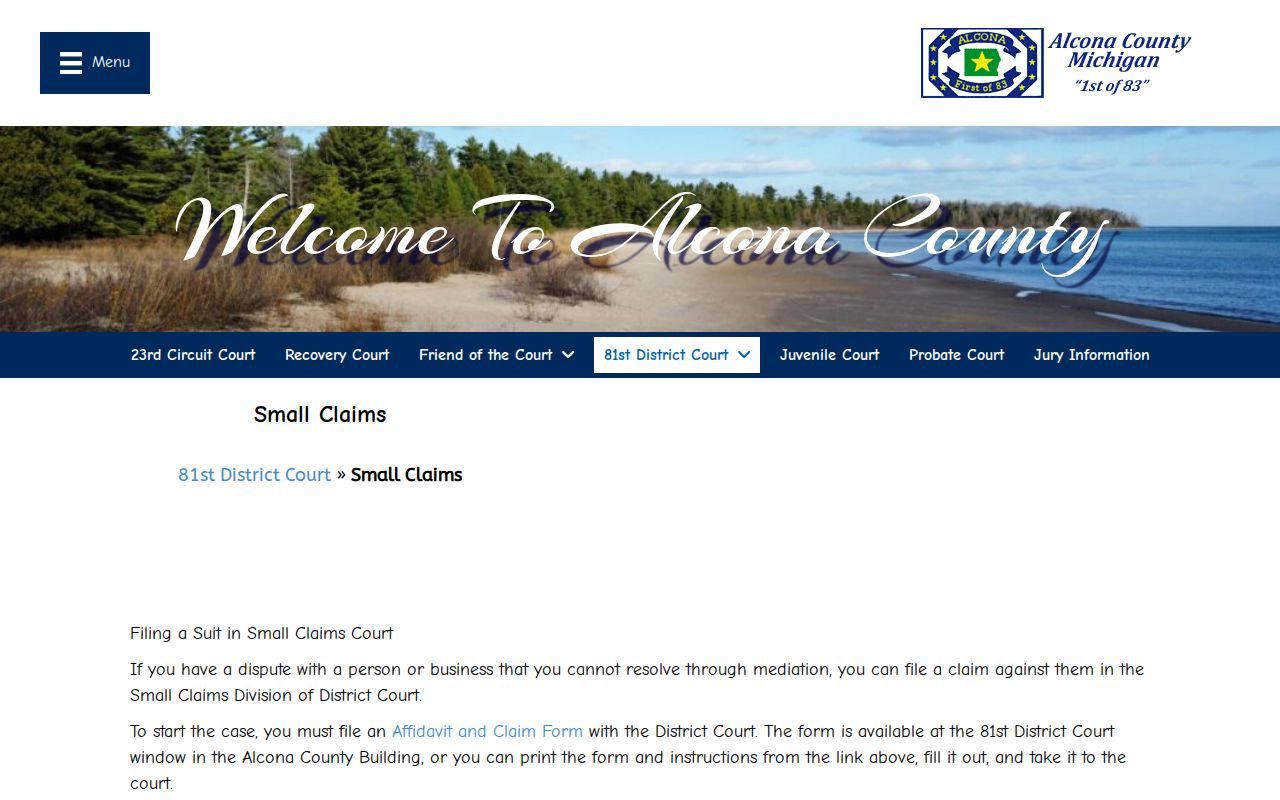
Filing a small claim opens a district-court case history. Confirm the amount and the current form before relying on an older county fee notice.
Settings and Hearings on Civil Dockets
A civil setting is a listed court event, nothing more. The case does not promise to end that day. Event history can trace a complaint, service return, answer, motion, notice, hearing, order, settlement, default, judgment, or later collection activity. Next Hearing is the field that looks forward. A result card stays silent on whether a hearing moved, so when timing matters, verify the current date with the responsible clerk.
One caution: a service entry marks procedural progress only. It does not establish that a party answered the merits or that judgment has entered.
Alcona Civil Docket MiFILE Boundary
MiFILE is Michigan's electronic filing and login system. You see an email and password login, an available-courts link, and a sign-up path. It is not the ordinary public civil docket display. MiCOURT remains the public case-search route. For any document, public inspection, or certification that MiCOURT does not show, the district or circuit clerk handles the request.
The MiFILE login page makes the split plain: it exists for electronic filing, while public case-history searching for an Alcona County civil docket runs through a different route.
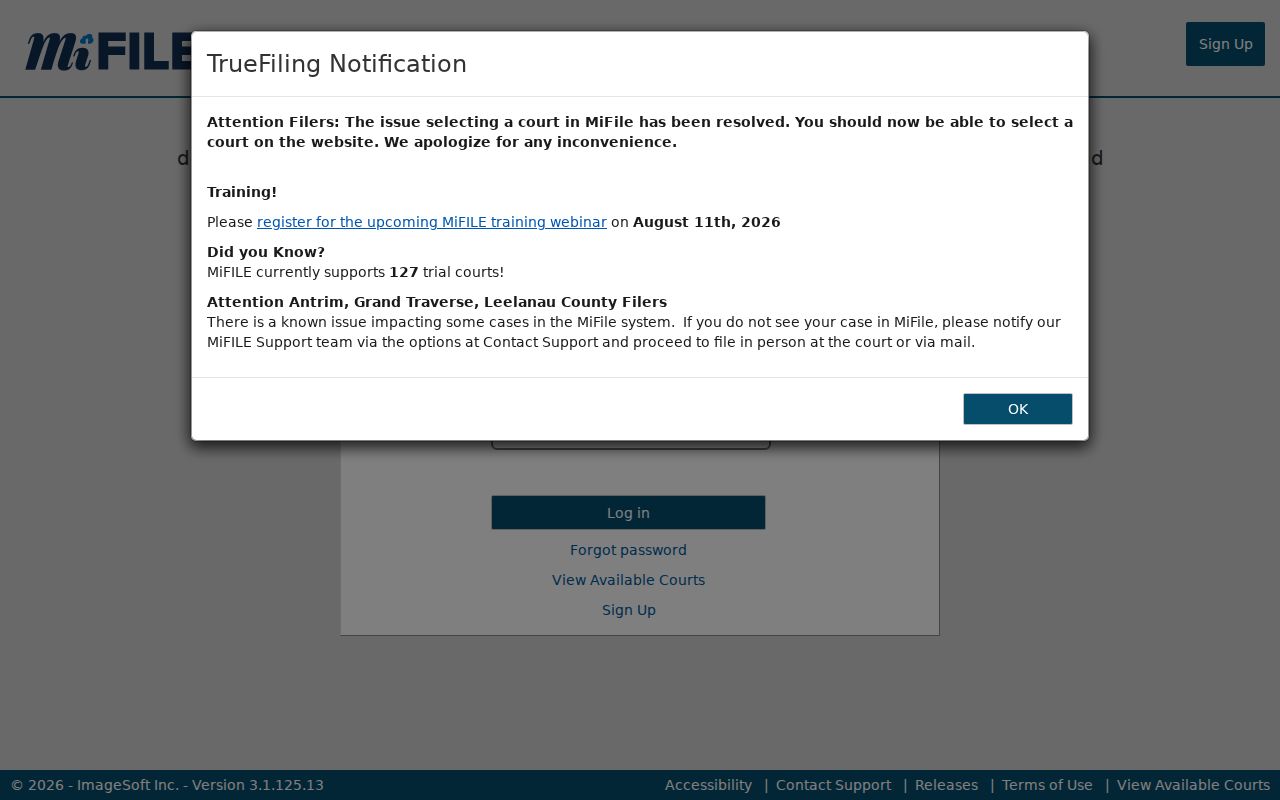
Filing a case and viewing the public Alcona County civil docket are two different services, even for the same matter.
Public Access to Civil Dockets
Michigan Court Rule 8.119 opens most case records to inspection and copying. An order, rule, or statute can say otherwise. The MiCOURT index is informational only, and it masks protected personal details. Do not assume it puts every public filing on your screen. Many public documents never appear online at all. Ask a clerk where a specific item sits. It may be public, redacted, nonpublic, offline, or held by a different court office in Alcona County.
Access boundary:
MCR 8.119 governs public court-record access, copies, sealing, and case history.
Michigan FOIA applies to covered county administrative records, not as a substitute for an adjudicative court-file request.
Alcona Civil Docket Settlement and Judgment
A settlement line is not a judgment copy. An Alcona County civil docket may note that a case settled, was dismissed, or ended in a judgment. That judgment can be a default, an agreed one, or another type. For exact terms, you need the full order or a certified judgment. The docket entry alone is only a summary. Post-judgment entries such as an abstract, garnishment, satisfaction, or appeal mark later events. None of them proves the original ruling by itself.
Note: A case title and a status label do not show which party prevailed in an Alcona County civil case.
Alcona Civil Docket Copy Requests
When MiCOURT does not display a public civil document, gather the court, the case number, the document or event, and whether you want a plain or certified copy. Then call the District Court civil clerk at 989-724-9500 or the County and Circuit Clerk at 989-724-9410. The courthouse sits at 106 5th Street in Harrisville. For mail to the circuit clerk, the County Clerk lists P.O. Box 308, Harrisville, MI 48740; confirm mailing and payment steps before you send anything. Faxes work too: 989-724-9509 for district court and 989-724-9419 for the circuit clerk.
Michigan's records standards set a statewide certified-copy framework of $1 per page plus a $10 certification fee under MCL 600.2546, but the responsible clerk must quote the actual record, page count, and any special certification. County FOIA materials help with administrative records, yet they exclude anything held solely in the circuit-clerk court role.
Alcona Civil Docket Federal Boundary
Not every civil matter tied to Alcona County lands in a county trial court. Some cases belong in federal court instead. Federal bankruptcy records live in a separate system. They never appear on an 81st District or 23rd Circuit civil docket. A state-court search that comes up empty tells you nothing about a possible federal bankruptcy filing. The Eastern District of Michigan Bankruptcy Court information page describes the Northern Division court context. That division covers Alcona County.
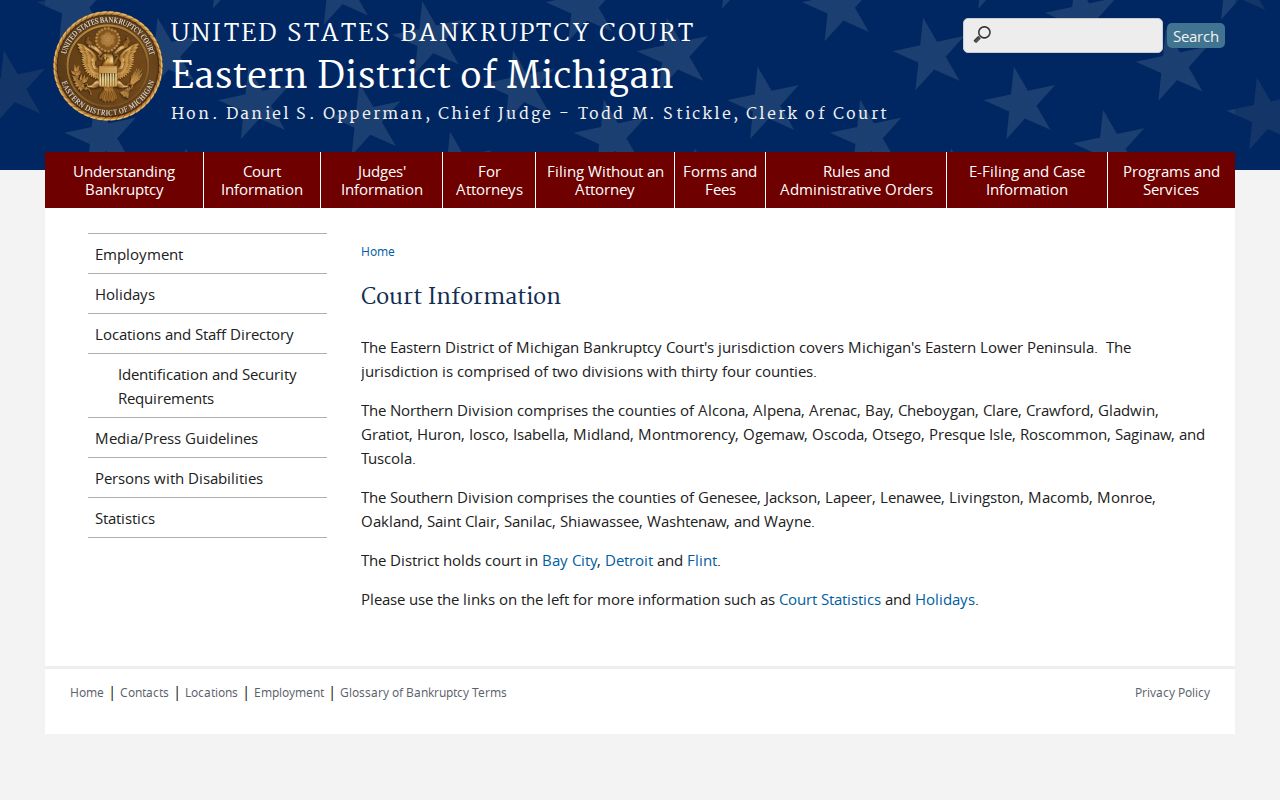
This is a jurisdiction line. A federal bankruptcy record simply is not part of an Alcona County state civil case history.
Alcona Civil Docket Court Counter
Work the fallback chain in order: search online first, call the specific court second, and visit the right counter at the County Building last. Building hours run Monday through Friday. They are 8:30 a.m. to 4:30 p.m., closed noon to 1:00 p.m. for lunch. Call ahead about the document counter, especially for an older file or a certified copy. No official Alcona page promises an on-site public terminal. So ask directly whether inspection or paper-file access is available.