
The Alcona County Court Calendar
Alcona does not publish separate daily calendars for each court division. Two public starting points fill that gap. One is case-specific Next Hearing information in MiCOURT Case Search. The other is the statewide Court Display. For an Alcona case, the detail view can show the next hearing date, time, type, comments, hearing officer, and location. That applies when those fields are public and populated. The Alcona public calendar is built around dates. So it works best once a case number or party name points you to the right matter.
Which court answers depends on the case. The Alcona 81st District Court holds traffic, civil infractions, ordinance matters, misdemeanors, preliminary examinations, small claims, and limited civil cases. The 23rd Circuit Court, Alcona Division takes felony cases after bindover. It also handles larger civil and family matters. Probate and juvenile questions route through their own register. A calendar result marks an event. But the responsible clerk stays the local source when something conflicts or a file is missing online.
Alcona County Court Display Dates
The official MiCOURT Court Display opens with a date control. Pick the day. Then scan the published rows for Party Name, Time, Room, and Case Number. Those columns make the Alcona County court calendar handy when a notice gives you only a case number or a party name. They also help you confirm a date already found in a case detail.
An empty day proves little. It does not mean an Alcona hearing was cancelled. It does not mean the case has no future setting either. The case could fall outside the day you picked or sit outside public display. It may have moved to another court. Or it may simply not be refreshed yet after a change. Use the date control as a filter. Then go back to the Alcona case history for the fuller context.
How to Find Your Court Date
Start with the citation, notice, order, or last clerk communication. It should name the Alcona case number and the court. The online path helps. But it is not the only route to an Alcona County court date. A caller or counter visitor should name the court. Then ask whether the setting is current, continued, cancelled, or moved. Alcona publishes no promise of a public terminal or a printed daily calendar. So ask the clerk whether either exists for your case.
- Search MiCOURT by exact case number, or use a party name if the number is unavailable.
- Open the case detail and note the Next Hearing date, time, type, officer, and location.
- Check Court Display for that date and compare the party name, room, and case number.
- Call the 81st District Court at 989-724-9500 for district matters, or the County/Circuit Clerk at 989-724-9410 for circuit matters.
- Visit the appropriate Harrisville counter when online information is incomplete, and ask about inspection or a paper calendar.
- Use the court's latest confirmation or order when it conflicts with an older public row.
Need the fuller event history after a date check? Use the Alcona County case search route to find the right case record and clerk.
Reading a Court Setting
A calendar line is a short schedule entry. It is not the whole Alcona case history. Court Display publishes a small set of fields, while the case detail can add next-hearing comments, a hearing officer, or a location. The table below separates what each field tells you from what still needs the Alcona court's own confirmation.
| Date | The selected calendar day or the next-hearing date shown in case detail. |
|---|---|
| Time | The published event time; confirm it if a notice and the calendar disagree. |
| Courtroom | The Court Display Room field where supplied, not a promise of a fixed room. |
| Judge | The Judge of Record or hearing officer may appear in case detail when public and populated. |
| Setting Type | The event type, such as arraignment, pretrial, motion hearing, preliminary examination, plea, sentencing, trial, review, or probate hearing. |
“Next Hearing” points forward. The event history preserves prior events, including changes, filings, and outcomes. A blank balance or a closed status describes something other than a hearing date, so neither field alone tells you whether to appear.
Alcona Court Setting Terms
Alcona publishes no local code glossary. Read the full description in MiCOURT, then confirm with the court. Common setting names still help, because they describe the kind of work scheduled rather than an outcome.
- Arraignment
- An early criminal appearance addressing the charge and plea or process.
- Preliminary examination
- A district-court felony proceeding before a decision about whether the matter proceeds toward circuit court.
- Pretrial or status conference
- A case-management setting for readiness, motions, discovery, or plea discussion.
- Motion hearing
- A hearing on a filed request for a ruling.
- Review hearing
- A post-disposition supervision or program review, which can include Recovery Court activity.
Note: A setting label describes the scheduled event. The case history records what occurred after the court acts.
Resets, Continuances, and Cancellations
An Alcona reset or continuance can appear as a new event in the case history. The earlier setting stays visible as history. MiCOURT's public fields include event descriptions, comments, disposition information, and next-hearing data. But Alcona posts no local reset-code list. So trust the most recent Alcona Next Hearing block. Assuming the last calendar row tells the full story is a mistake.
Compare the case detail with Court Display, and call when the two do not match. The county's holiday page is not a live hearing calendar. Alcona offers no local remote-hearing link either. Severe weather, a closure, a different room, or a court-specific direction can change the plan. Ask whether the event is in person, remote, or hybrid instead of guessing the format.
Alcona Court Reset Checks
An Alcona court date that appears to have shifted deserves a careful second look. Start with the case number in hand. Compare the citation or notice against the current case detail. Watch for a later event description plus a newer Next Hearing value. A continuance may explain the change. So ask the court directly whether the older row is historical and whether a new notice now controls. That way a calendar snapshot never gets the final word.
Phone contacts help with reset questions. The 81st District Court administrator is listed at 989-724-9500. That is the same line used for district-court calendar questions. Circuit assignment clerk and court recorder Rose Butkovich is listed at 989-724-9490. Both numbers handle court-specific scheduling. But route requests for a circuit case history, judgment, or copy to the County/Circuit Clerk.
Alcona Juvenile Court Calendar Context
The county's Juvenile Court information gives the official picture of this protected corner of the court's docket, listing the contacts that handle it.
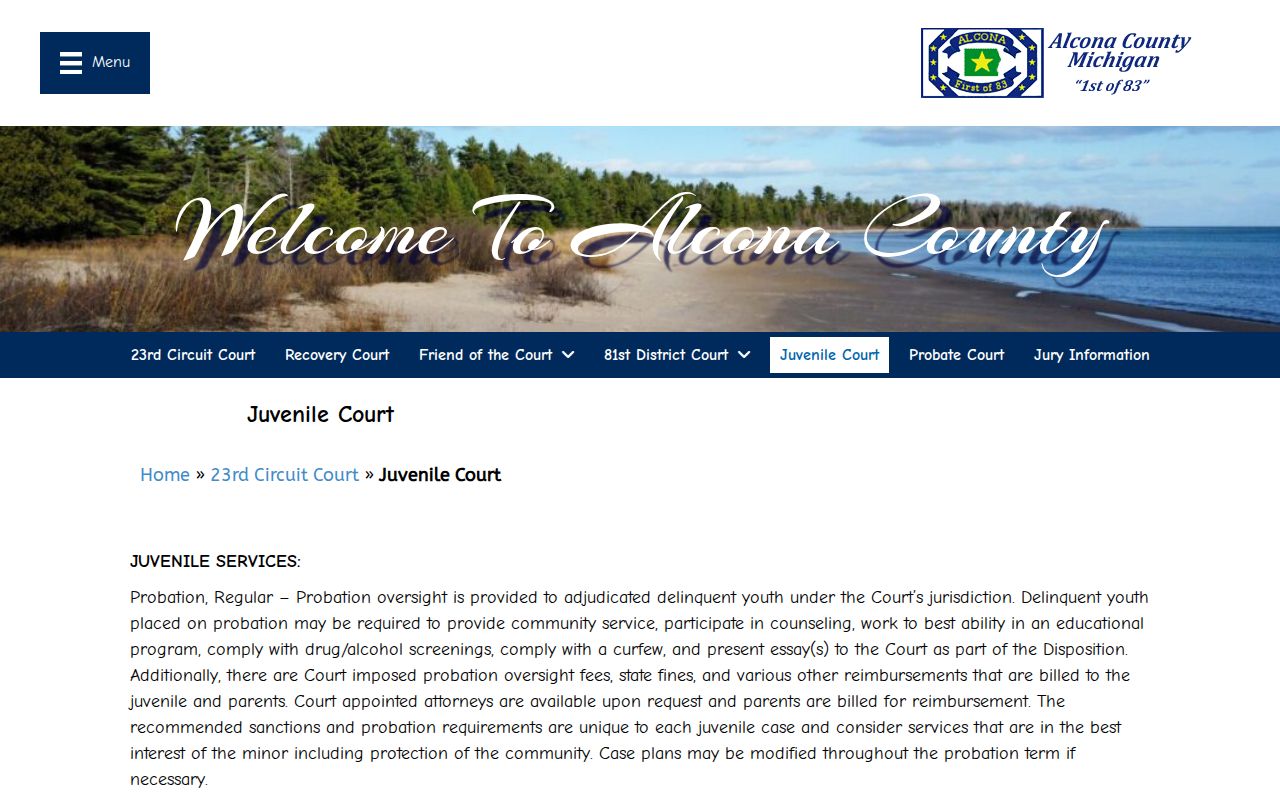
Juvenile proceedings are excluded from the public MiCOURT search. An ordinary Alcona calendar search may not show the matter even when the court maintains a record.
What To Do If You Miss a Setting
Missed an Alcona setting? Act fast. Read the most recent notice. Search the case history. Then call the clerk or court administrator for the court that holds the case. Give the case number, and explain the missed setting. Ask about current status and the next required step. A lawyer for a party should get the same information without delay.
Missed a Setting? Do not assume that a blank calendar row, a closed status, or an older event means no action is required.
Contact the responsible Alcona court promptly to verify the current setting and any court direction.
If a court notice and public display conflict, follow the most recent order or clerk-confirmed instruction and seek legal advice when needed.
Alcona Court Date Fallback
A public calendar cannot answer every Alcona question. The Harrisville County Building is the practical fallback. It houses the circuit, district, probate, juvenile, and clerk functions. Which counter helps you depends on case type. Published hours are Monday through Friday, 8:30 a.m. to 4:30 p.m. There is a noon to 1:00 p.m. lunch closure, so plan around it. Call ahead about counter availability. This matters most for older records or certified copies.
A missing search result for an older Alcona case proves nothing. It does not show that no hearing or paper record exists. The matter may be nonpublic, excluded, transferred, or retained under a different number. Ask the correct Alcona clerk. Another records channel may hold it. The Alcona calendar works well for a current setting. The court custodian determines the authoritative record.